✓
Works out of the box
No weird settings, no port forwarding, no IT degree. Just run it and share the link.
Share your D&D game with friends online without the technical hassle
IS THIS FOR YOU?
You want to run a tabletop RPG session with friends around the world, but sharing your Foundry VTT game world means fiddling with router settings, scary config files, and port forwarding.
Perfect for game masters who play online with their group and don't want to become a network engineer to do it.
WHAT YOU GET
No weird settings, no port forwarding, no IT degree. Just run it and share the link.
Pick from several free services. Switch any time.
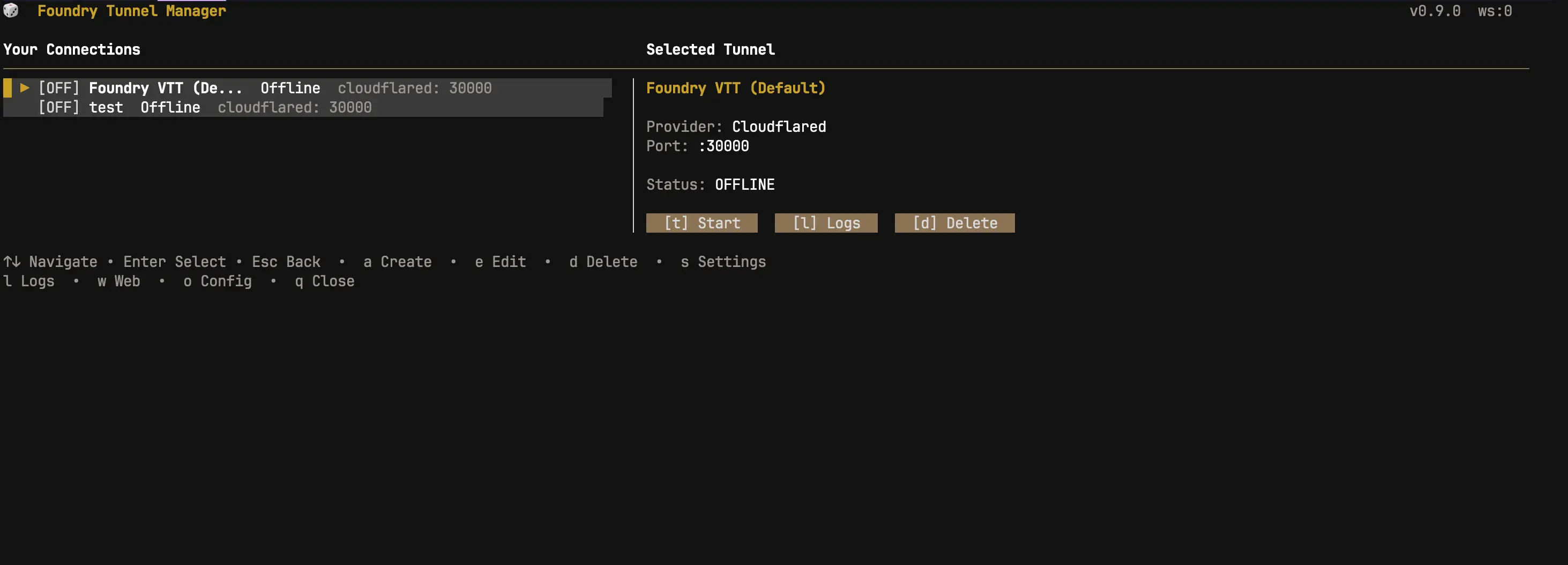
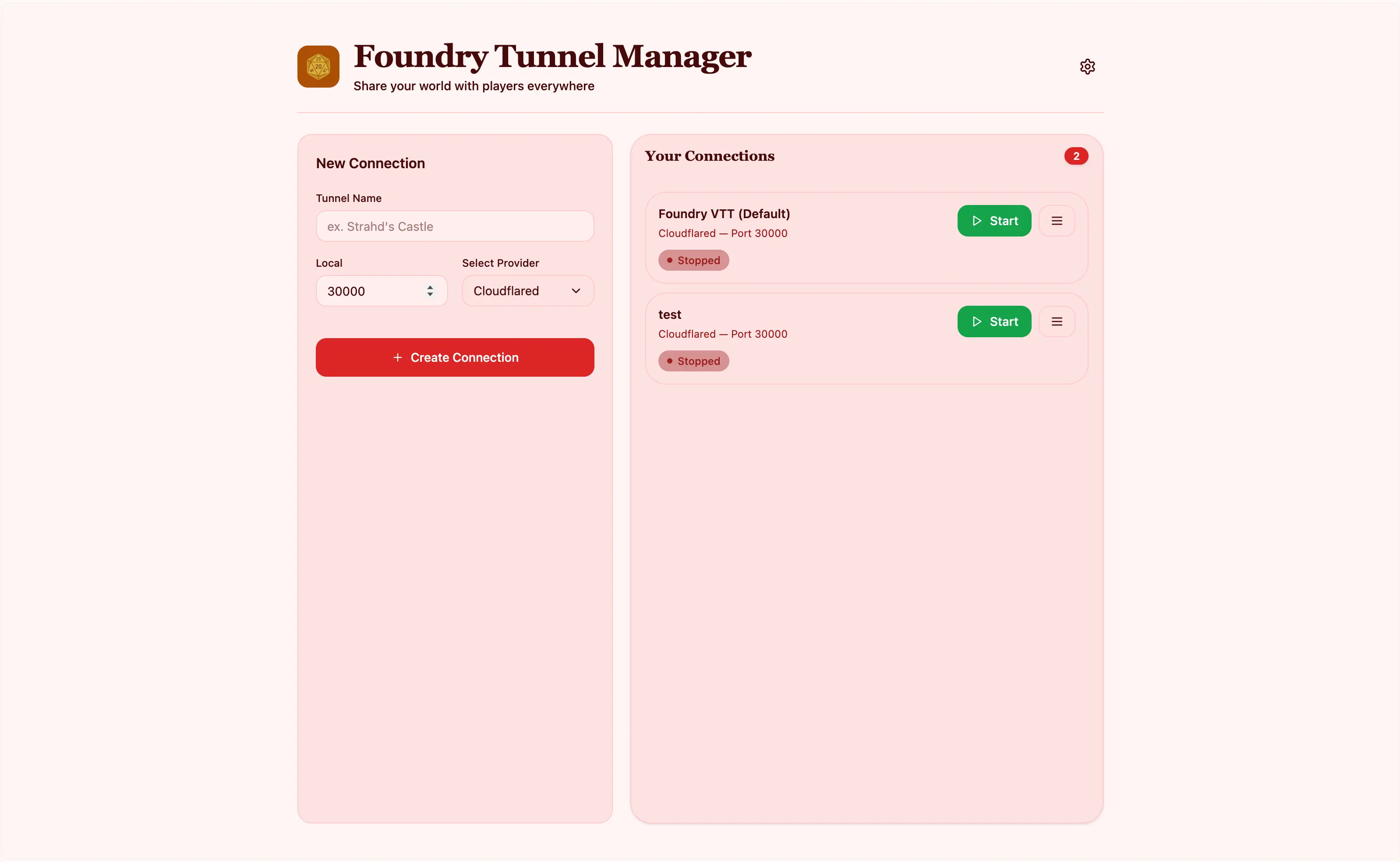
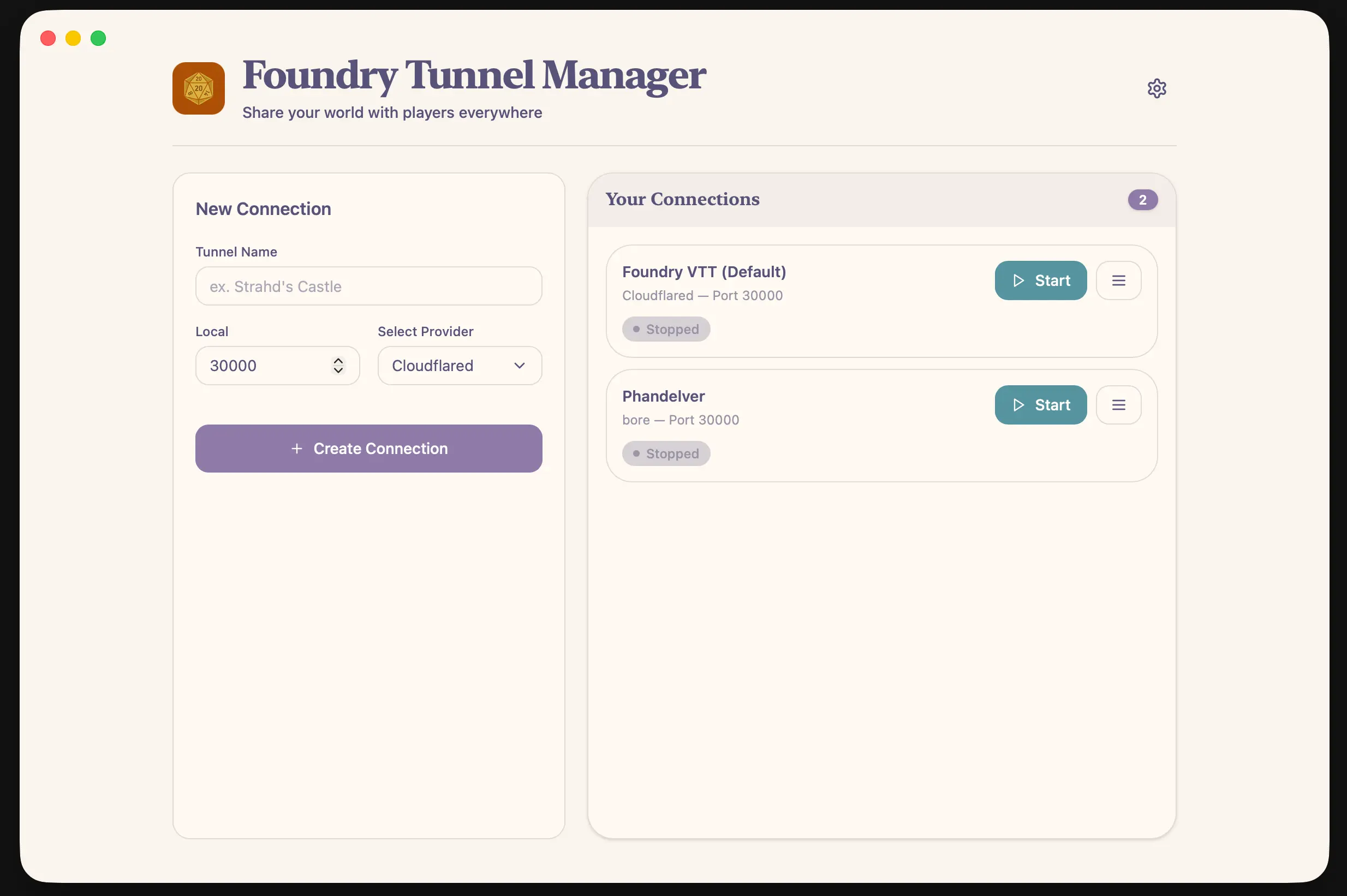
Run it in a terminal, from a browser, or as a regular Mac/Windows/Linux app. Whatever feels easiest.
Start, stop, share, or revoke access with one keypress. Your computer, your game, your rules.
Open source so you can inspect, modify, and keep it. No ads, no tracking, no tricks.
SEE IT IN ACTION
DOWNLOAD DESKTOP
v0.9.0 · Jun 3, 2026
GET STARTED IN 30 SECONDS
LINUX
curl -L https://raw.githubusercontent.com/sthbryan/ftm/main/install.sh | bash
MAC
curl -L https://raw.githubusercontent.com/sthbryan/ftm/main/install.sh | bash
WINDOWS
Download the .exe from the releases page, then double-click to install.
After installing, open a new terminal window and type ftm to start.
FIND IT HERE